Step 1: Upload Main Image
Upload the image you want your mosaic to display. It serves as the template and will later be composed of countless small pictures.
What should I keep in mind for the main image?
Choose a subject with few details: The simpler and more high-contrast the image, the better the result – small details don’t show up well in a mosaic. The image should be at least 1000×1000 pixels. The format doesn’t matter, since you can crop it in the next step.


1. High Contrast
Light and dark areas should be clearly separated. This creates a mosaic with stronger contrast and more visible detail.


2. Large Main Subject
Your subject should take up as much of the image as possible. Avoid very small people or objects in the distance.

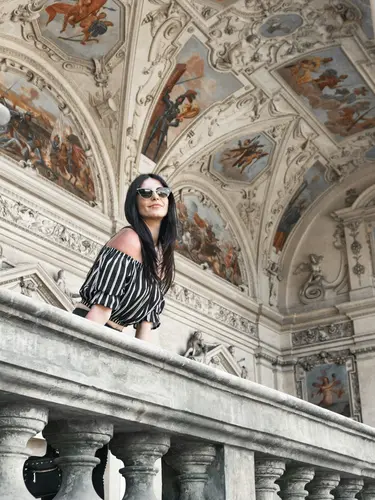
3. Clean Background
A clean background keeps the focus on the main subject and helps create a more balanced mosaic.


4. Good Lighting
Natural daylight or even lighting helps produce clear colors and better results.
Which subjects work best?
There are no limits to your creativity: Portraits, animals, and landscapes work just as well as logos, symbols, numbers, or lettering. The most important thing is a clear, high-contrast subject.
Can I try multiple main images?
Absolutely! You can remove the main image at any time and upload a different one. Even after the mosaic has finished processing, you can simply start over and try a different subject.