Rapid-Mosaic Software
With Rapid-Mosaic, you calculate your photo mosaic directly on your own computer – on Windows, macOS or Linux, without uploading your pictures to the internet. Once the mosaic picture is finished, you can either order it online right away as a high-quality print product or – with the Pro version – save it as an image file on your computer. Rapid-Mosaic is the successor of Foto-Mosaik-Edda – existing Professional licenses remain valid.
Create a mosaic picture – with three inputs
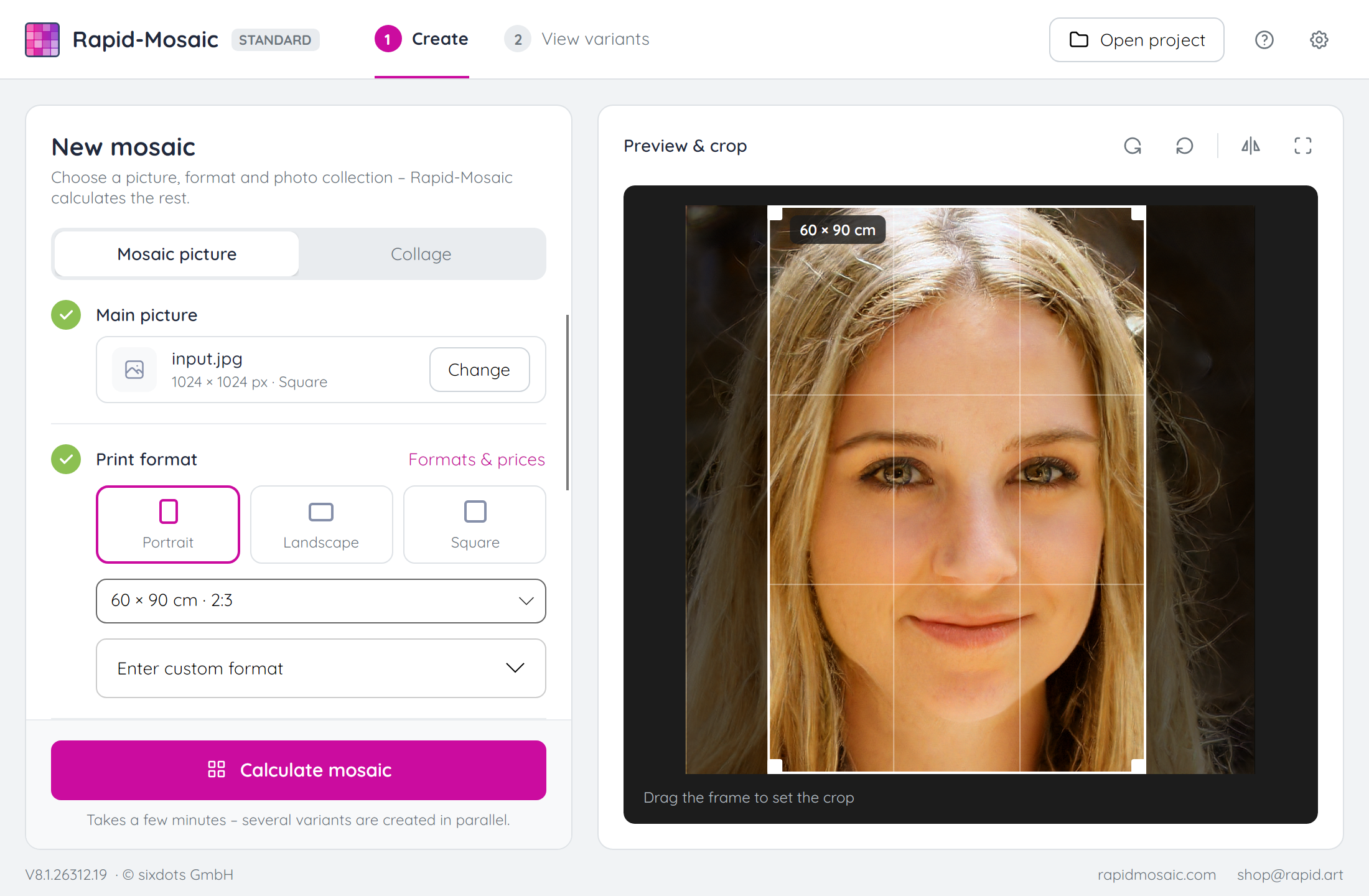
Rapid-Mosaic takes you to your finished mosaic in two clear steps: first you decide what to create, then you choose from the calculated variants. Only three inputs are needed:
- The main picture the mosaic is made from. Rapid-Mosaic detects faces, people and animals and places the crop so that nothing important is cut off. You can move the frame yourself at any time.
- The print size. From it, Rapid-Mosaic automatically determines the right resolution, the number of mosaic tiles, etc.
- The photo collection: one or more folders with the photos for the tiles. The more pictures are available, the better the mosaic effect.
Then just click “Calculate mosaic”. Rapid-Mosaic saves the project automatically so you can open it again later.
Preview with variant selection
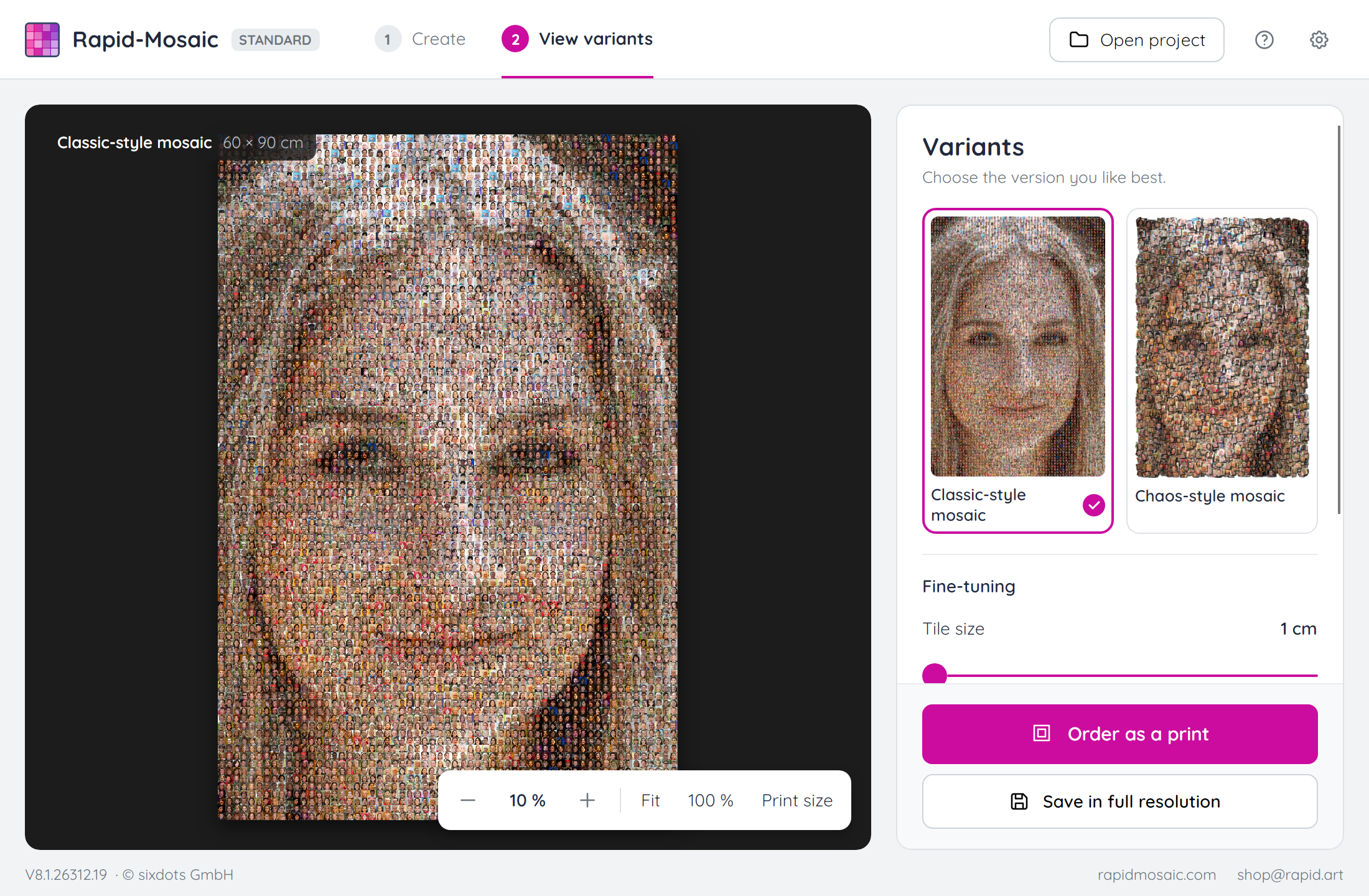
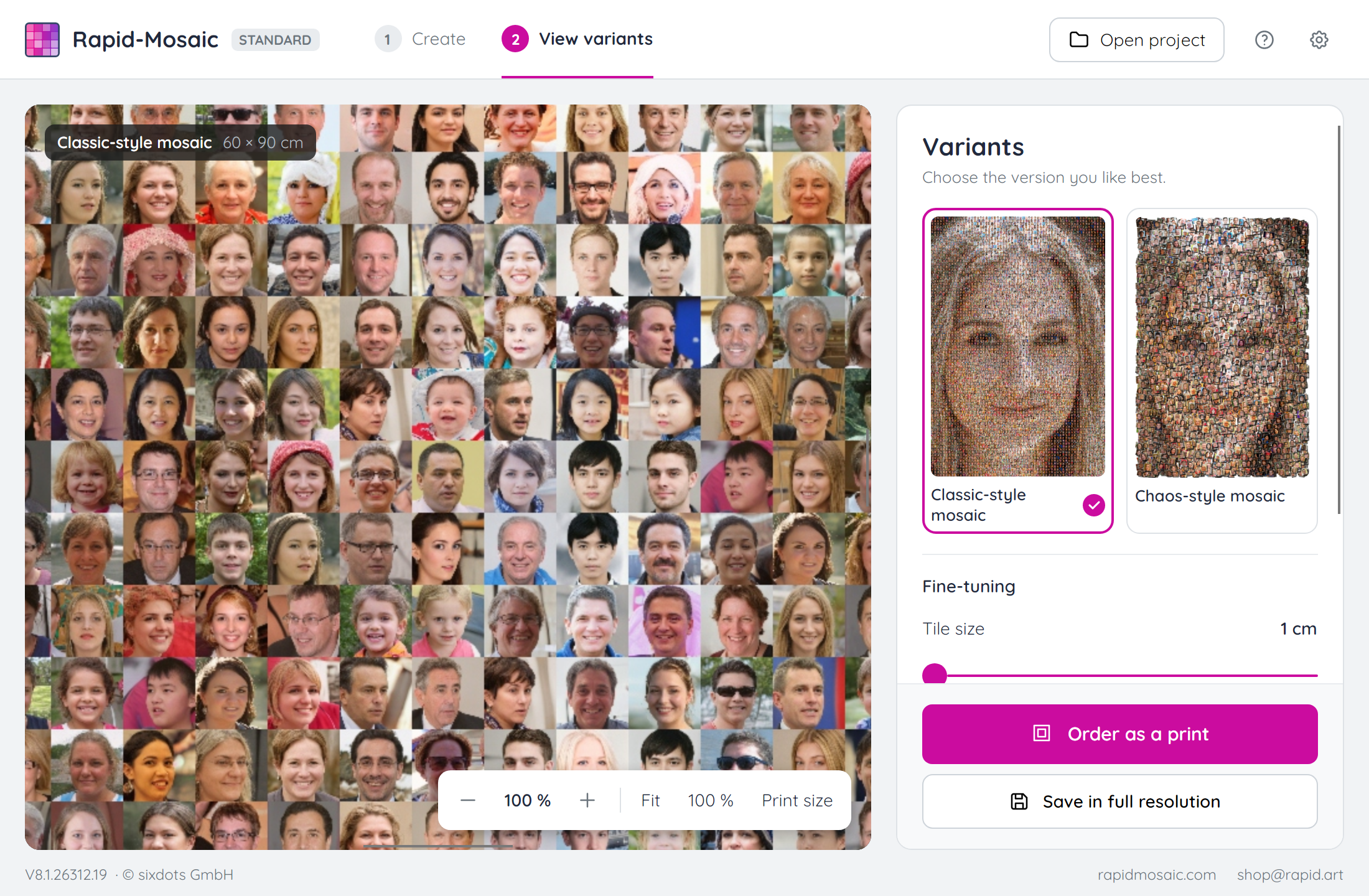
After the calculation, Rapid-Mosaic shows all variants to choose from. In the preview you can zoom into the mosaic picture down to the individual photos. With “Print size” you see the mosaic on screen at the size it will have on the poster or canvas.
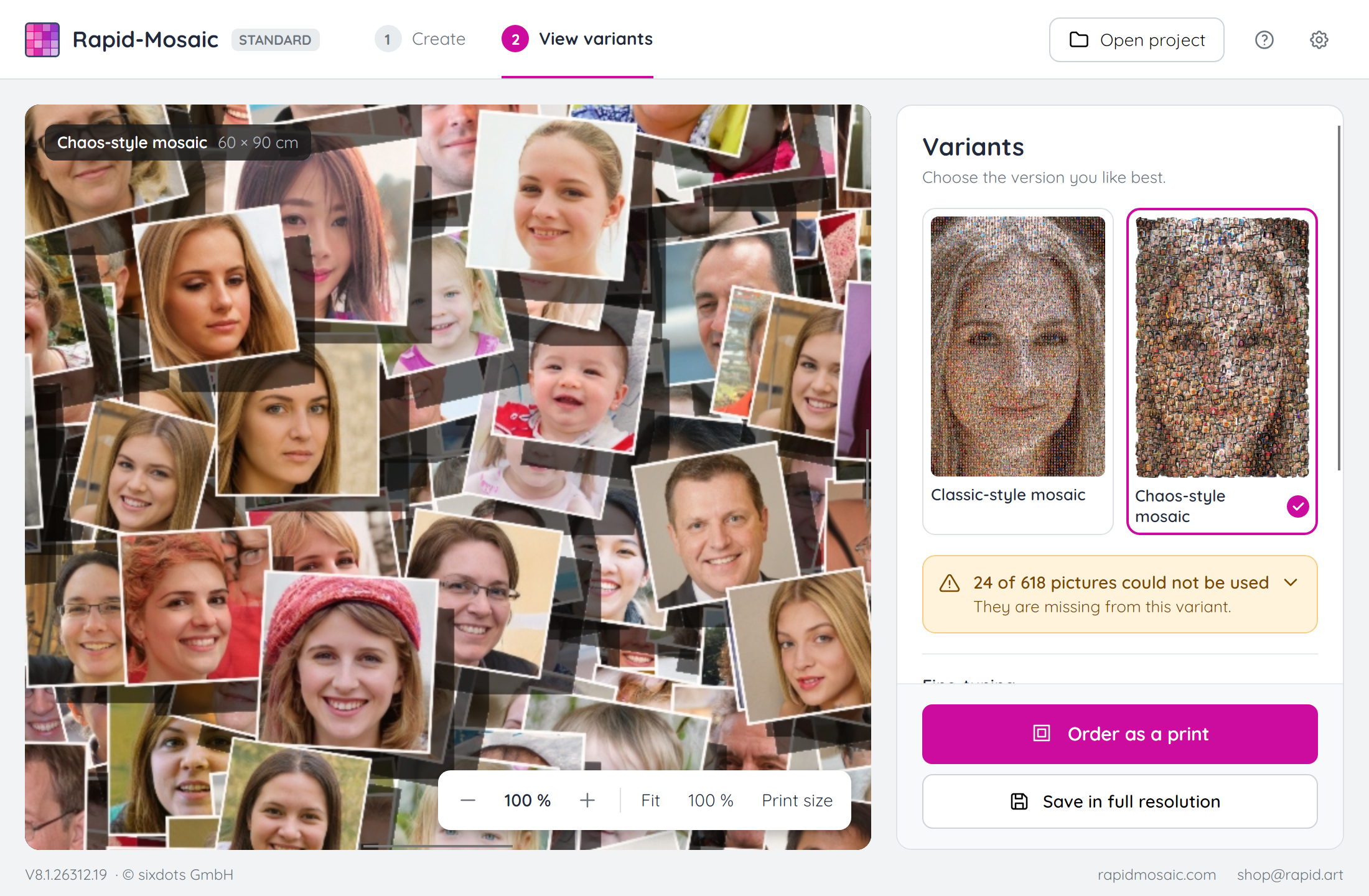
Rapid-Mosaic calculates several mosaic types at once, e.g. classic, parquet, chaos or detail mosaic. You adjust the tile size and the blending with the original picture with a slider, without recalculating – all variants are already finished. For the tiles, too, Rapid-Mosaic makes sure that faces stay in the picture instead of being cut off in the middle.
Settings for professionals
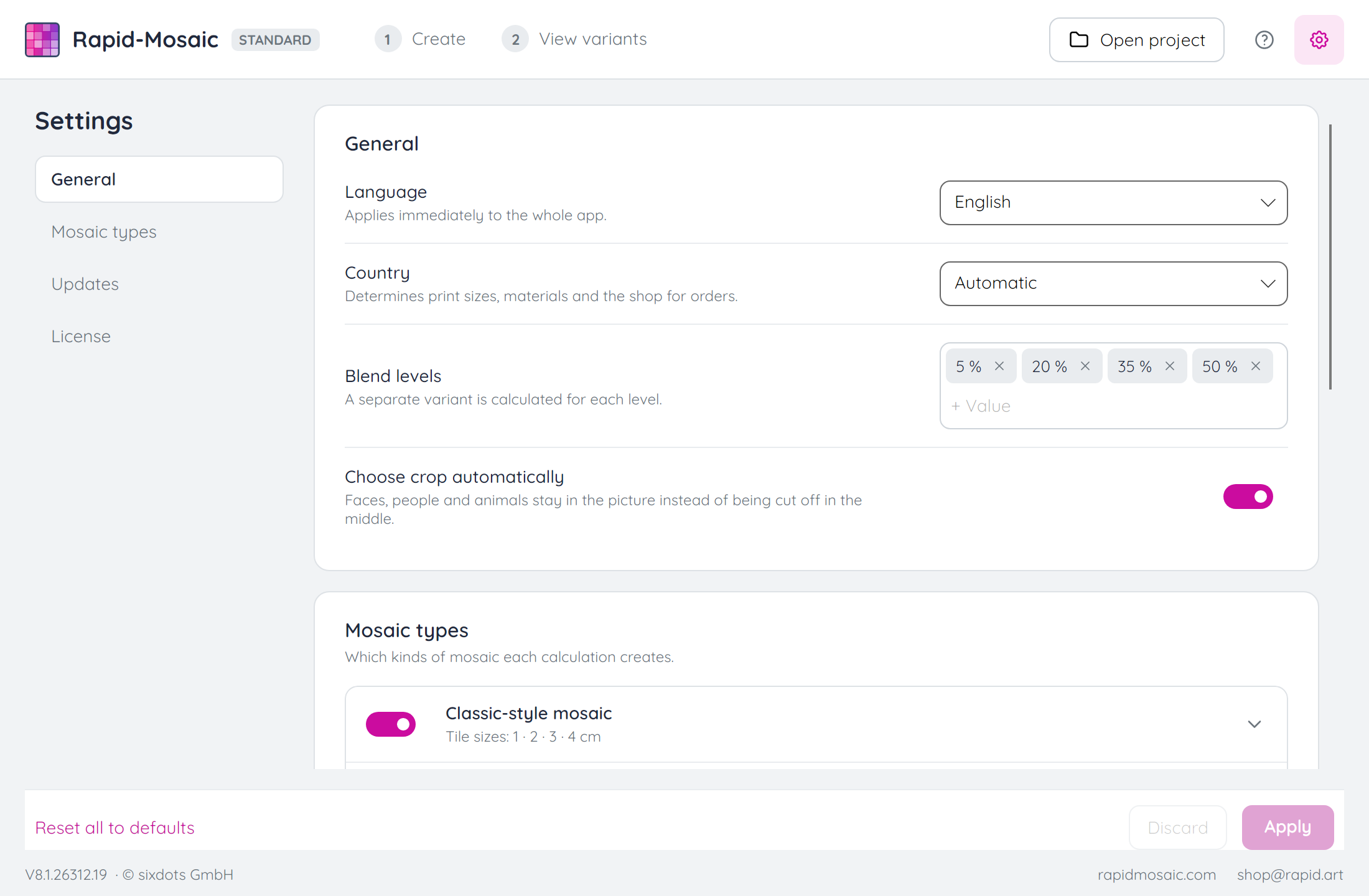
In the settings you decide which mosaic types, tile sizes and blend levels Rapid-Mosaic calculates. You also choose the language and country there and can turn off the automatic crop selection.
Customer Reviews

Did You Know?
Our passion is photos and personalized print products. Check out our other creative gift ideas: