Create photo mosaics on your own computer
Rapid-Mosaic is free. Choose a picture, choose a photo folder – several mosaic variants are ready within minutes.
Download free for Windows Installer · 68 MB · Version 8.1.26313.1 Download free for macOS Apple Silicon · 58 MB · Version 8.1.26313.1 Download free for macOS Intel · 48 MB · Version 8.1.26313.1 Download free for Linux AppImage · 64 MB · Version 8.1.26313.1 Go to the online app For smartphones and tabletsAlso for macOS and Linux Also for Windows and Linux Also for Windows and macOS For Windows, macOS and Linux · What’s new?
- No administrator rights needed
- Automatic updates
- Your photos stay on your computer
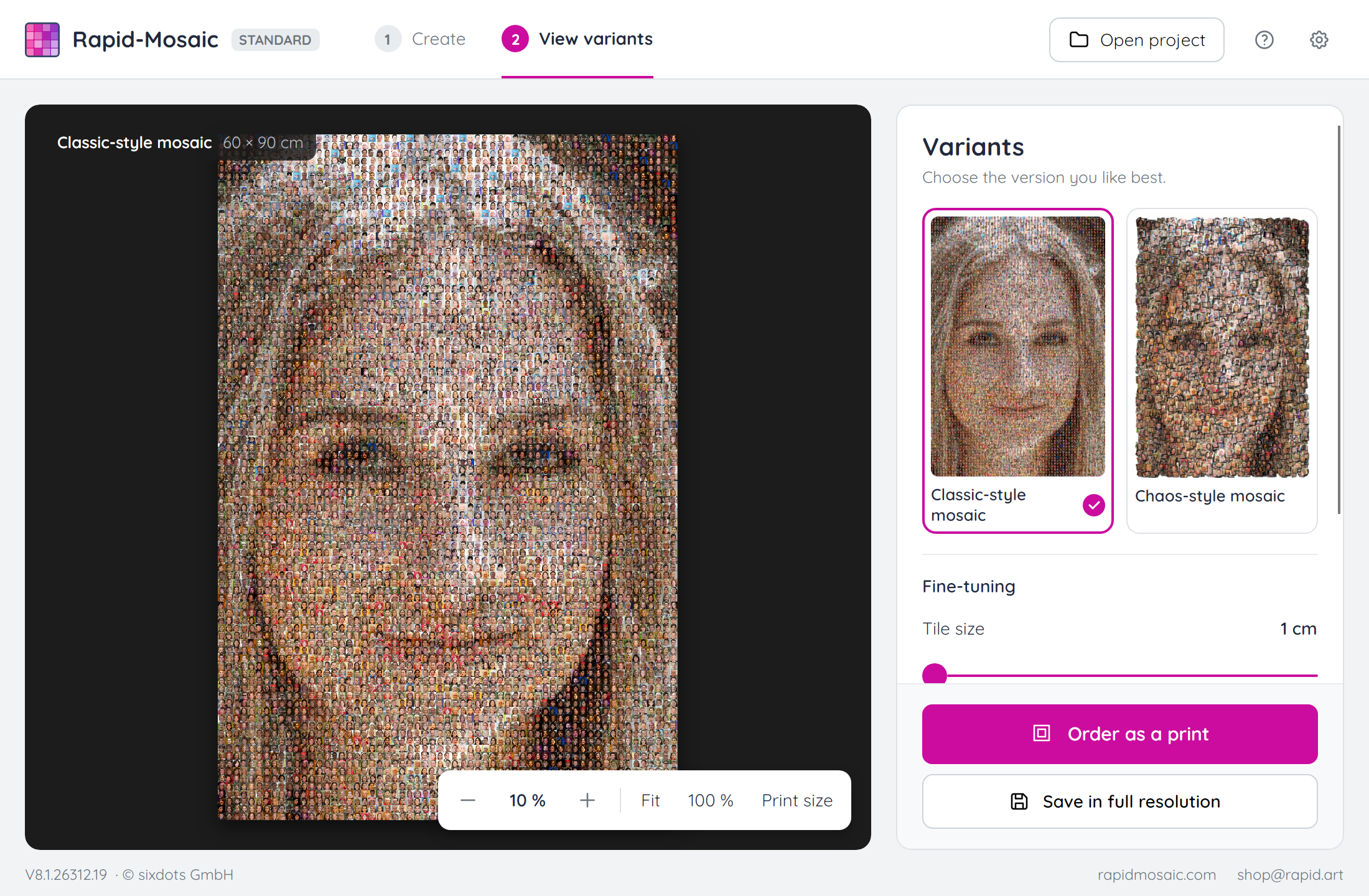
Your mosaic in three steps
Download & install
Install and start the program. No account needed.
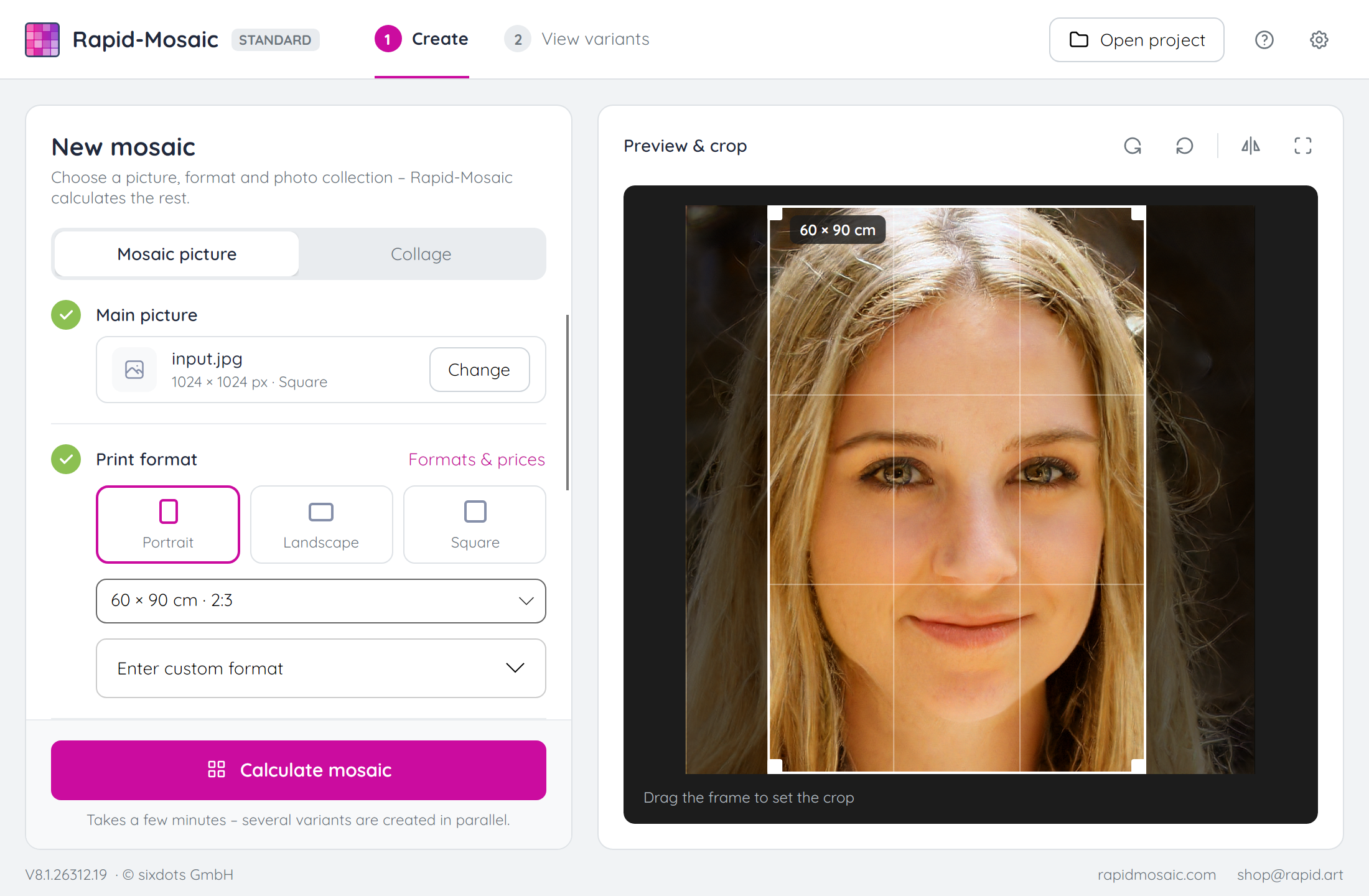
Choose a motif & photo folder
The more photos, the finer the mosaic.
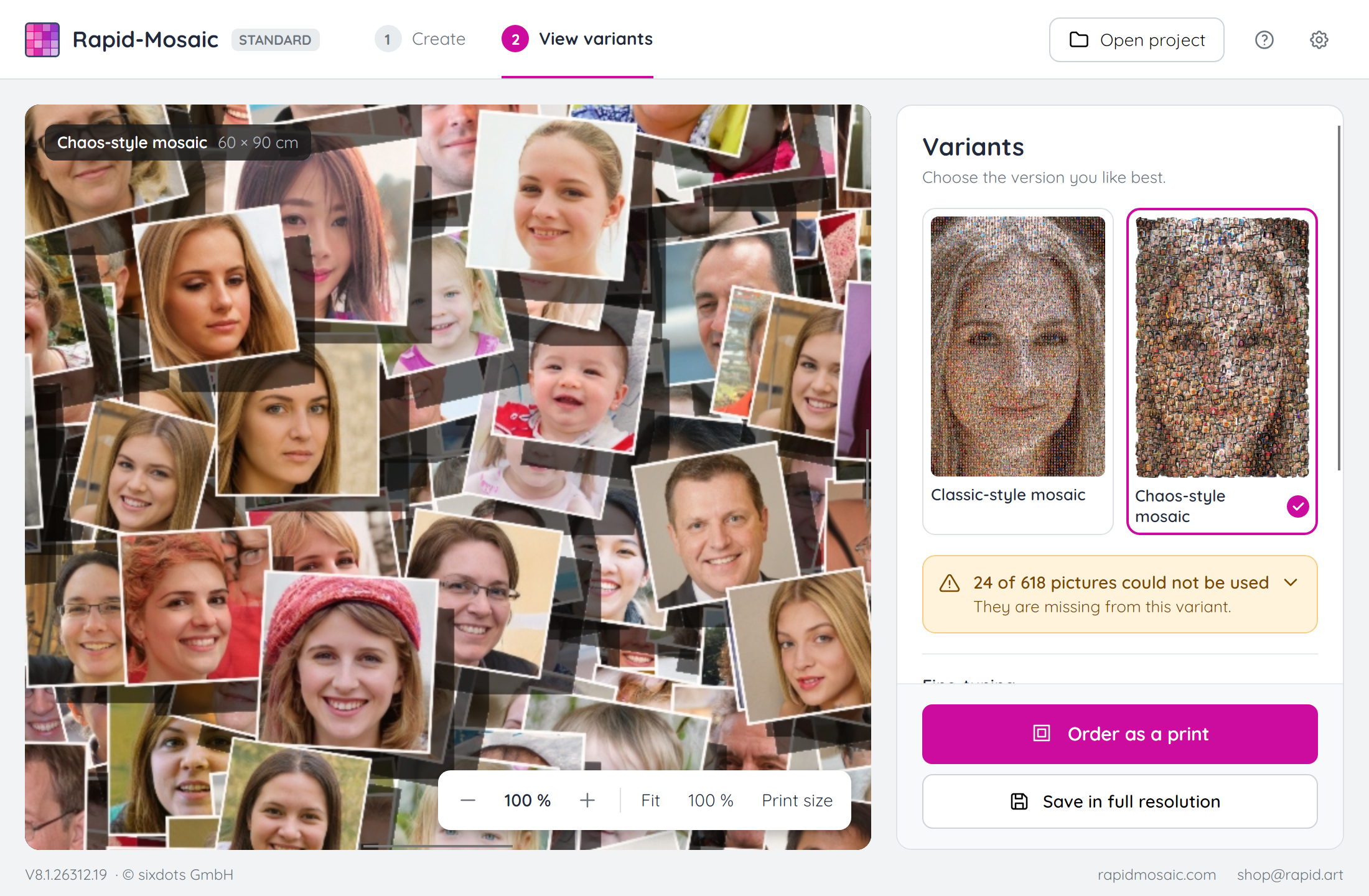
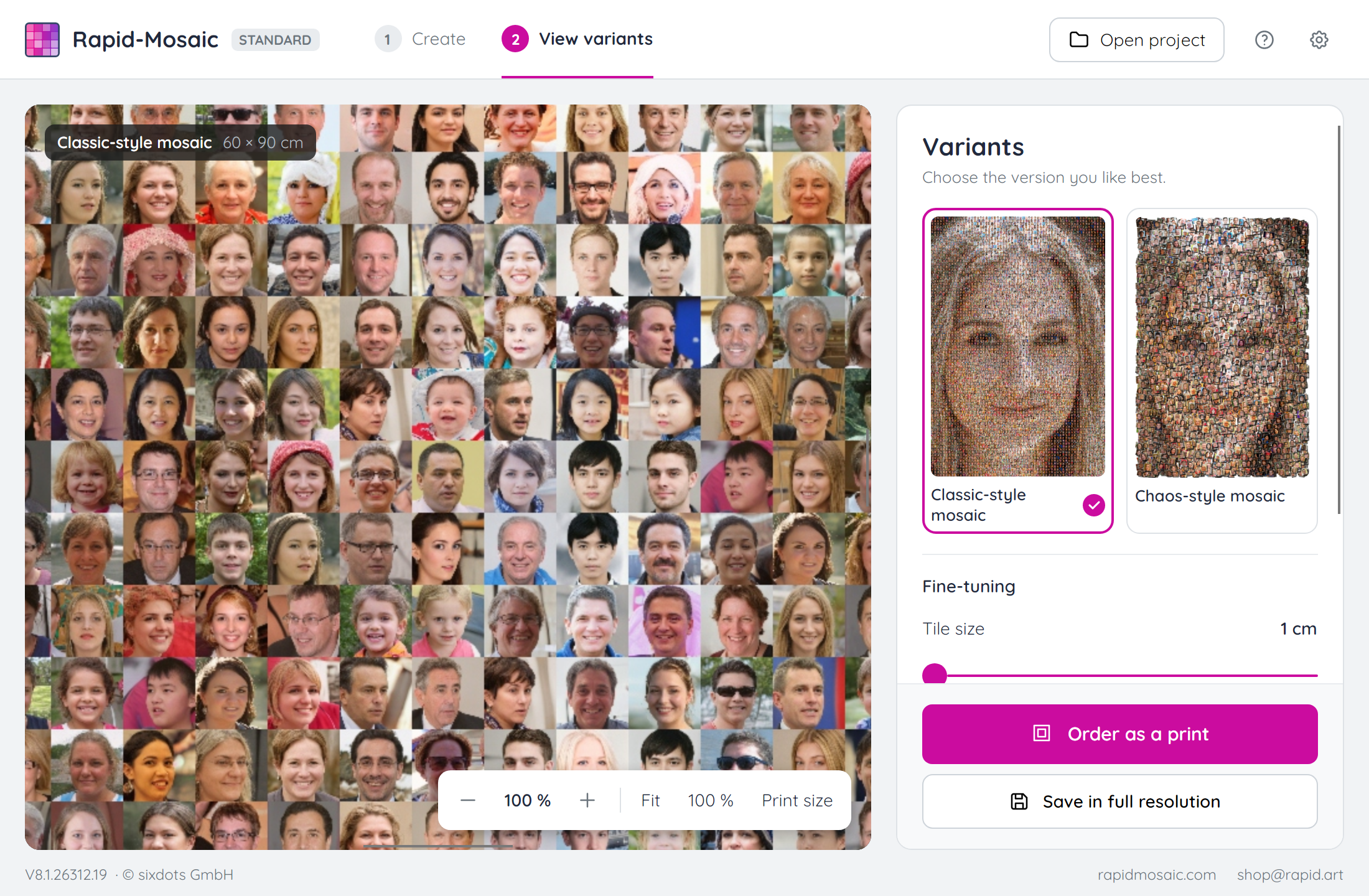
Choose a variant
Order it as a poster or canvas, or save it in full resolution.
What Rapid-Mosaic looks like
All downloads
Version 8.1.26313.1 · Changelog
Windows
The installer sets up Rapid-Mosaic for your user account. You start the portable version directly from the extracted ZIP archive, e.g. from a USB stick.
Windows shows a warning on start?
If Windows shows the message “Windows protected your PC” on start, click “More info” and then “Run anyway”.
macOS
Open the ZIP archive and drag Rapid-Mosaic into the “Applications” folder.
macOS blocks it from opening?
Rapid-Mosaic is not yet notarized by Apple. If a warning appears when you first open it, go to System Settings › Privacy & Security and click “Open Anyway”. Step-by-step guide with pictures
Linux
Make the file executable and start it.
On a smartphone or tablet?
Real mosaic pictures require a lot of computing power. On smartphones and tablets, this works best with the online app.
Customer Reviews

Did You Know?
Our passion is photos and personalized print products. Check out our other creative gift ideas: